
Traditional Art Feedback: Photograph Artwork So Critique Is Accurate

Coartist Team
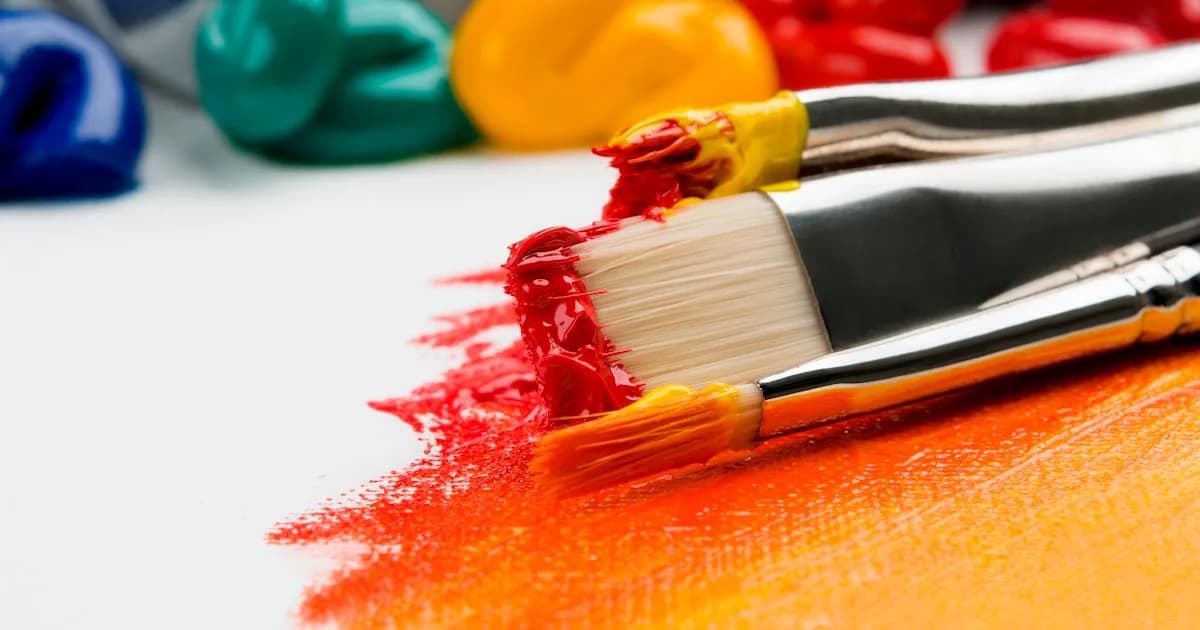
Traditional Art Feedback: Photograph Artwork So Critique Is Accurate
If you want useful critique on traditional art, the photo matters as much as the drawing.
A bad photo can create fake problems:
- Values look wrong because lighting is uneven
- Colors shift because white balance is off
- Perspective warps because the camera is angled
- Glare hides edges and texture
This guide gives you a practical setup that works with basic gear.
The Goal: A Neutral, Even, Undistorted Capture
You want the photo to match what you see in real life as closely as possible.
That means:
- Even lighting
- Correct color temperature
- Minimal distortion
- No glare hotspots
The Best Simple Lighting Setup
Two lights at 45 degrees is the classic solution.
- Place the artwork vertically.
- Place two identical lights at 45 degrees from left and right.
- Keep the lights the same distance from the artwork.
This reduces shadows and glare and keeps lighting even.
If you only have one light, use indirect light and bounce it with a white board.
Avoid the Two Most Common Lighting Mistakes
Mistake 1: Overhead room lighting
Ceiling lights create uneven falloff and glare, especially on graphite and paint.
Mistake 2: Mixed light temperatures
Daylight plus warm lamps equals weird color casts.
Pick one light type and commit.
Camera Setup (Phone Friendly)
You do not need a fancy camera. You need a correct angle.
Checklist:
- Camera lens centered on the artwork
- Camera sensor parallel to the artwork
- Step back and zoom slightly instead of getting close (reduces distortion)
- Use the highest quality setting available
If you shoot too close, the edges warp and your drawing looks wrong when it is not.
Glare Control
Glare is the biggest enemy for glossy surfaces.
Try these:
- Move lights farther out from the artwork
- Adjust the light angle slightly
- Use a polarizing filter if you have one
- Avoid direct sunlight
Do a quick check by moving your head. If you see glare, the camera will see it too.
White Balance and Color Accuracy
If you can:
- Use a gray card
- Or place a neutral gray paper near the artwork for one shot
Then adjust white balance in editing. This prevents the "everything is too warm" problem that wastes critique time.
File Prep Before You Ask for Feedback
Do these steps in any basic editor:
- Crop to the artwork
- Straighten the edges
- Adjust exposure so whites are white but not blown out
- Remove background distractions
Do not over-edit. The goal is accuracy, not a filter.
What to Upload for the Best Critique
If you want useful feedback, include:
- Full artwork image
- One closeup of the focal area
- A grayscale version if you want value critique
If you have texture or glare issues, include one extra photo at a slight angle to show surface.
How AI Critique Benefits From Better Photos
AI feedback is only as good as the input.
Better photos help AI:
- Read values accurately
- Detect tangents and edge issues
- Evaluate composition at thumbnail size
Bad photos produce bad conclusions. Fix the capture first.
Ready for critique that targets your art, not your camera mistakes? Upload your artwork to Coartist using the setup above for the most accurate feedback.

Coartist Team
The Coartist Team is dedicated to helping artists improve their craft through AI-powered feedback.
Related Articles
Case Study Format: Before and After Improvements From 3 Iteration Rounds
Want to improve faster and show your process? Use this 3 round case study format to document changes, learn patterns, and build a stronger portfolio.
Read article
The Iteration Loop: A Step-by-Step Workflow From Draft to Final
Most artists do not need more effort. They need a better loop. Use this staged workflow to iterate faster and finish stronger pieces.
Read article
Getting Started with AI Art Feedback: A Beginner's Guide
Discover how AI-powered art feedback can transform your creative journey. This comprehensive guide covers everything beginners need to know about using Coartist to improve their artwork.
Read article